
Turner is a North America-based, international construction services company and is a leading builder in diverse market segments.
GET TO KNOW USStay up to date with the latest news and insights from Turner. Learn from our industry experts sharing innovation, market insight and thought leadership.
Browse InsightsAn awarding and fulfilling career awaits you at Turner! Join our team and build some of the most exciting and innovative projects around the world.
Explore careers at TurnerTurner is a North America-based, international construction services company and is a leading builder in diverse market segments.
Get to know usAs the largest general contractor in the country, Turner is a leader in all major market segments, including healthcare, education, commercial, sports, aviation, pharmaceutical, retail and green building.
See Our PortfolioStay up to date with the latest news and insights from Turner. Learn from our industry experts sharing innovation, market insight and thought leadership.
Browse InsightsAn awarding and fulfilling career awaits you at Turner! Join our team and build some of the most exciting and innovative projects around the world.
Explore careers at Turner
Headquarters
Turner Construction Company
66 Hudson Boulevard East
New York, NY 10001
(212) 229-6000 turner@tcco.comEthics & Compliance Hotline
Report issues 24 hours a day, 7 days a week to Turner’s Confidential Reporting System
(888) 738-1924 https://turnerconstruction.ethicspoint.comSend

Subcontractors
Before reaching out, please review our prequalification requirements.
Become a SubcontractorTurner University is a corporate-based university offering professional development specific to the construction industry to enhance your personal skill proficiency.
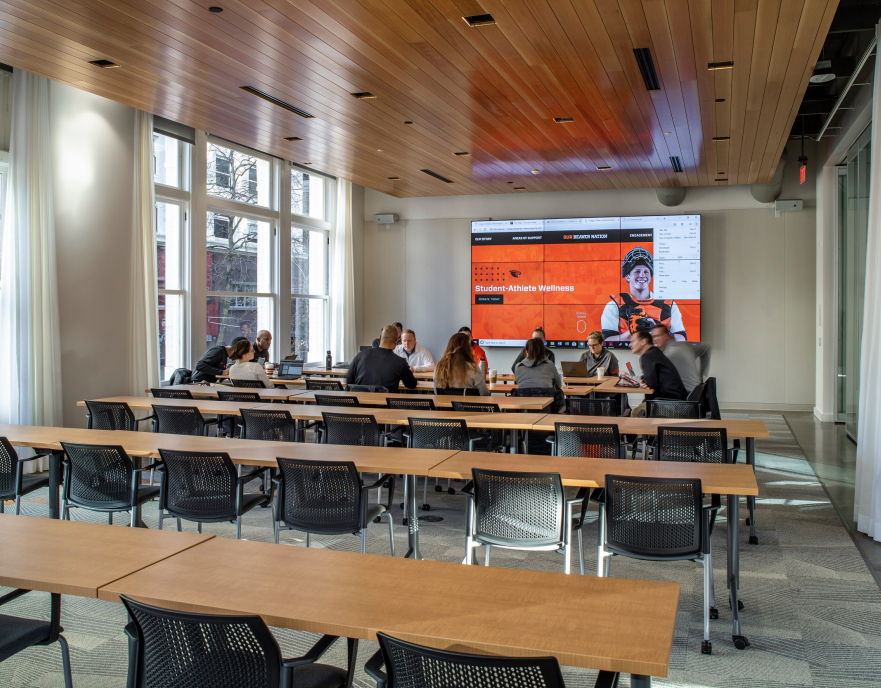
The courses offered as part of Turner University are not related to an accredited curriculum. Browse our available courseware without having to create an account. If you find something of interest, you can request the course, and create an account at that time to purchase the course.
Browse Content